 Github
 Slack
Slack
Dashboards now maintain a revision history. Any edits made through the UI, Seer agent, or API are automatically tracked.
To view prior revisions, click the clock icon in the upper-right corner.
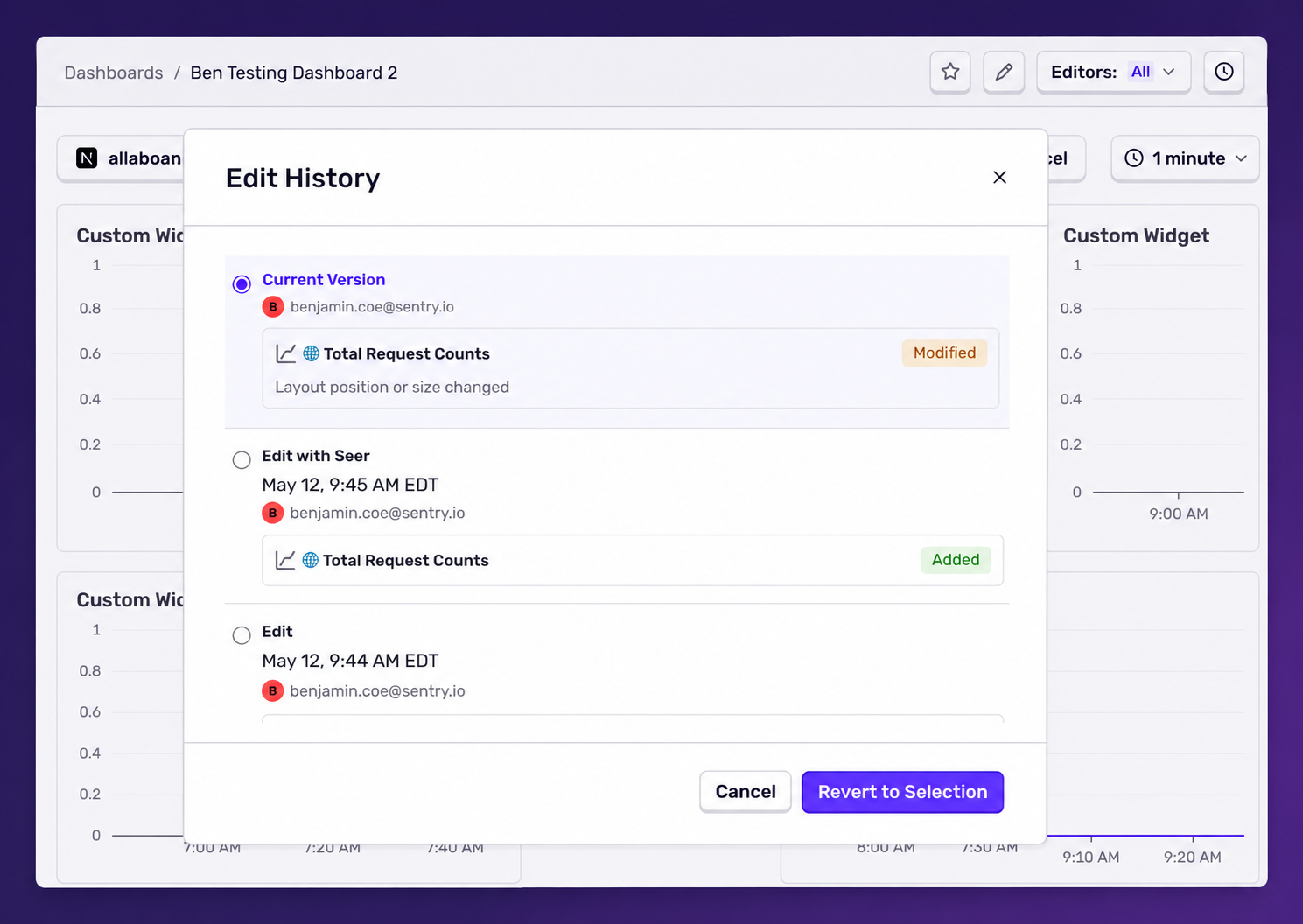
If you — or a 🤖 — make a mistake, you can restore a known-good version by selecting a previous revision and clicking Revert to Selection.
Check out the product docs to get started or read the blog to learn more.