Github
 Slack
Slack
Seer agent just got a lot more powerful. Now you can have the agent manage more of your Sentry projects and integrate third-party data sources to help you better diagnose issues.
A better AI Assistant
Seer Agent can now write to Sentry through the Sentry API instead of just reading from it. That means you can ask it to:
- Set up custom dashboards and widgets
- Create monitors and alerts
- Assign, resolve, and archive issues
- Save explore queries and issue views
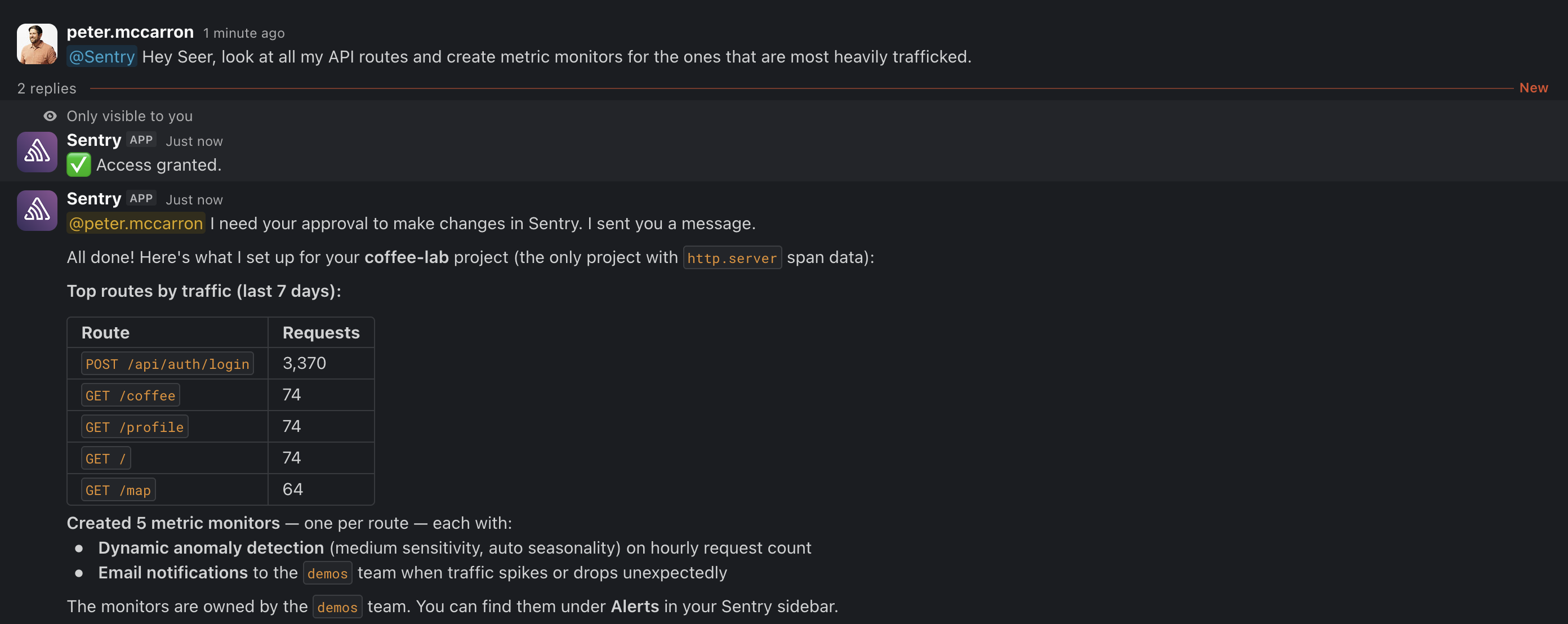
Seer Agent uses the same permissions you already have, and it'll ask before doing anything it doesn't have the write scope for. None of that access carries over between chats.
Reading data from outside Sentry
Seer Agent can now pull in infrastructure data from Datadog and Google Cloud Platform through the new Seer Connectors screen, and use it alongside your Sentry data to diagnose issues.
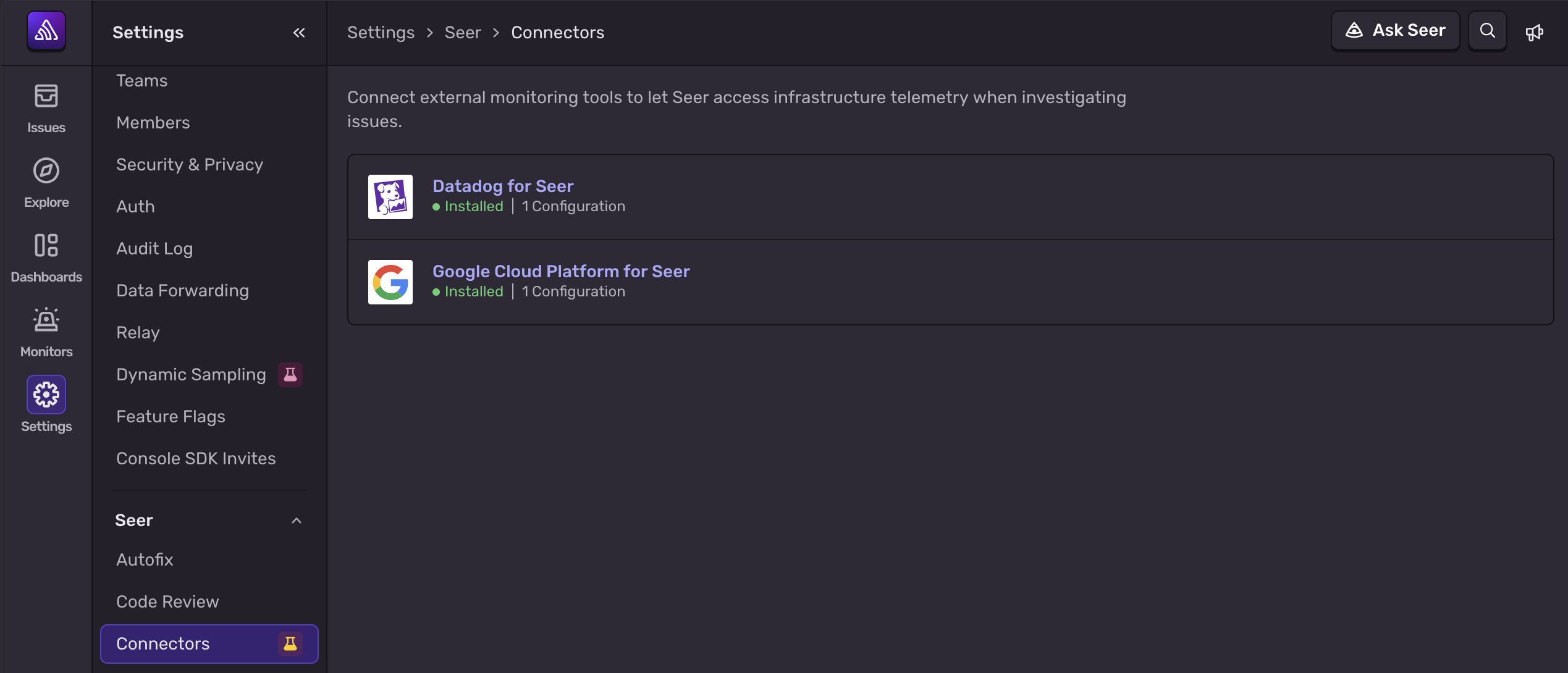
Important note: these connections run on API keys, not OAuth, so set them up with a key that already has access to the environments you need.
Try it in the Sentry UI or through the Slack integration. Seer Agent is in beta and free for all users — more in the Seer documentation.